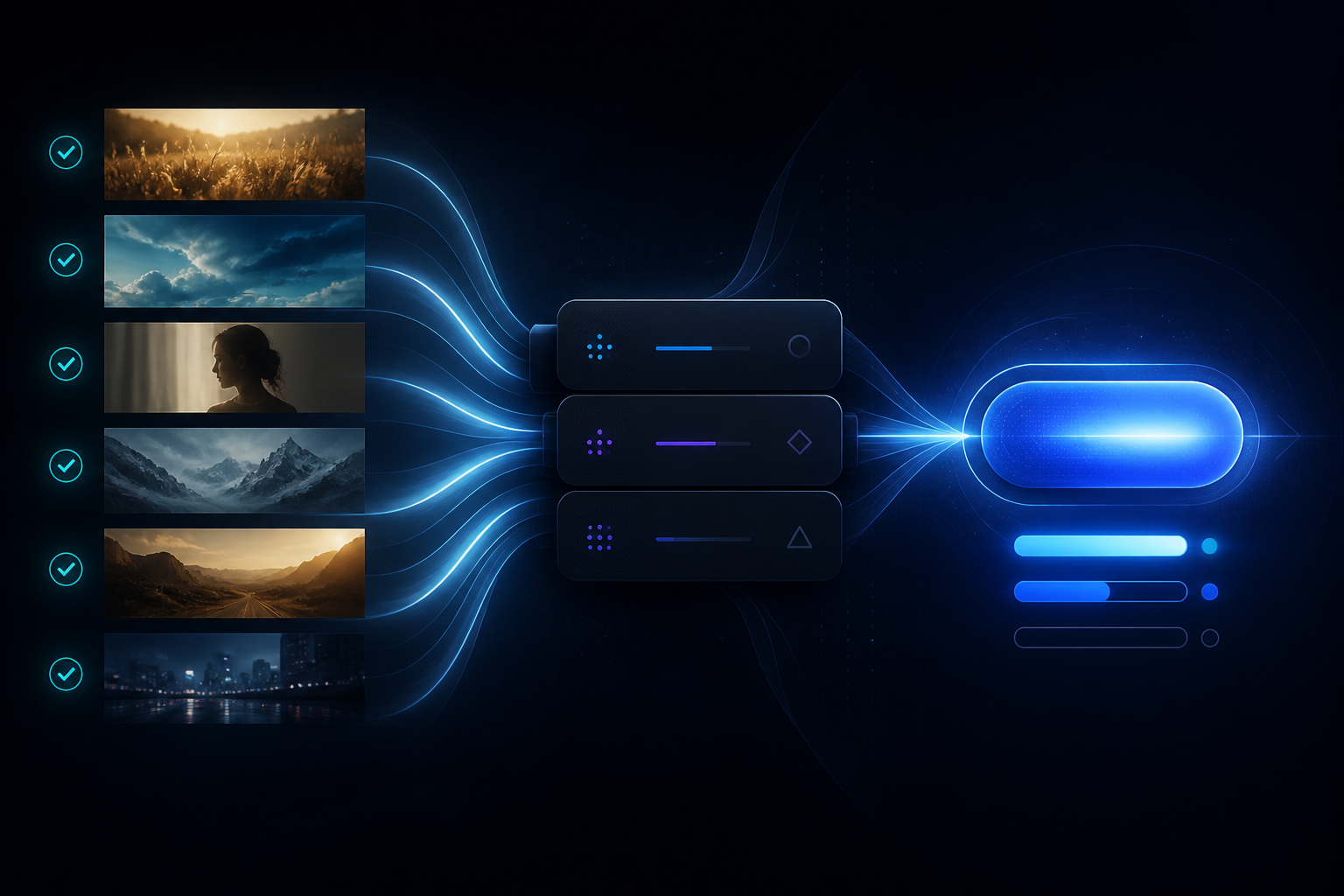
Transduce is a throughput tool — get many clips Ready, add them to the Render Queue, and deliver a conformed set without babysitting every job.
Ingest many files (or drag-drop a folder), grade or Match Color across a multi-select, tick Ready, then Add to Render Queue. Each job snapshots parameters at queue time — layers, effects, trim, crop, format, resize — so later panel tweaks do not rewrite what you already queued.
The queue runs one job at a time. A single clip failure becomes an Error and the rest keep going; retry Error jobs on the next Process. Cancel returns remaining work to Pending. Destinations follow the export you chose when you queued (including Original-beside-source when that mode is active).
This is the core Transduce loop: not a timeline — a finishing pass that scales from one shot to the whole scene.
Mark Ready. Queue. Process. Come back to a folder of deliverable clips.